BASIC
1 month access
$9.99
Start with our Basic package after your free trial and keep watching on one supported Android device.
- 1 supported Android device
- HD & Full HD entertainment
- Live channels and replay
- No ads

Stream movies, TV shows, live sports, and more — all in one app
Start with our Basic package after your free trial and keep watching on one supported Android device.
Four simple steps from installation to premium entertainment.
ElephTV works only on supported Android devices.
After you successfully install and open ElephTV, the app grants you a 7-day free trial automatically. Watch, explore and test how it works for you before subscribing.
When you are ready to continue, choose your package, complete payment and receive your ElephTV voucher code.
After receiving your 16-digit ElephTV voucher, open the app and select Redeem or Recharge. Enter the voucher exactly as received, confirm it and enjoy premium entertainment.
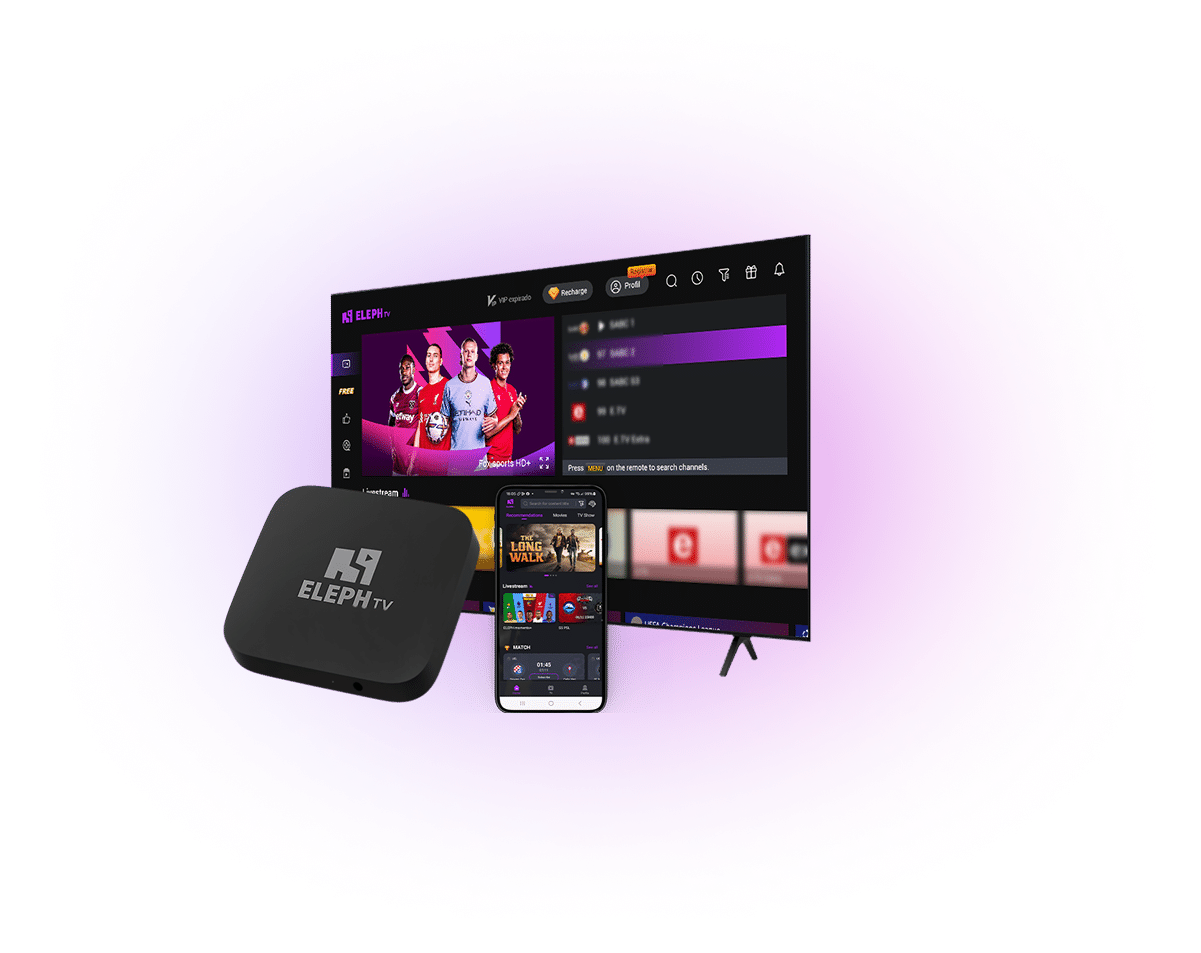
In today’s fast-paced world, everyone deserves commercial entertainment anytime, anywhere. Designed especially for African audiences, ElephTV redefines your viewing experience — delivering exceptional convenience, clarity, and variety. From Hollywood blockbusters to trending TV series and inspiring documentaries, you’ll find everything you love on ElephTV.
A continuously moving preview of available entertainment. Channel availability can vary by package and region.
Choose a supported payment option when completing your order through our Plans page and WhatsApp service.

ElephTV is an Android-only application. It works on supported devices running Android or Android TV / Google TV.
✓ Supported Devices
Android smartphones & tablets
Android TV boxes
Android TV / Google TV smart TVs
Android TV sticks and compatible streaming devices
× Not Supported
iPhone & iPad (iOS / iPadOS)
Apple TV
Samsung TVs using Tizen OS
LG TVs using webOS
Roku devices
Windows or macOS as a native app
Choose your preferred package, complete payment, and enter the subscription details supplied to you.
Contact ElephTV support, select a package, and follow the secure payment instructions provided by the support team.
Open the ElephTV app, choose Redeem Code, type the code exactly as received, and confirm to activate your membership.