

Download ElephTV now and Get a 7-day free trial
Watch on Android phones, Smart TVs, TV boxes and TV sticks.

Android TV

TV Box

TV Stick
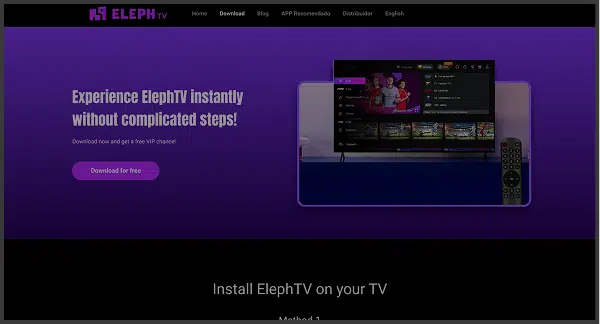
Download ElephTV on your TV
Method 1: Install via Downloader
 Downloader by AFTVnews — App Store image
Step 1: Open the Google Play Store on your TV and search for Downloader by AFTVnews. Install and open the app.
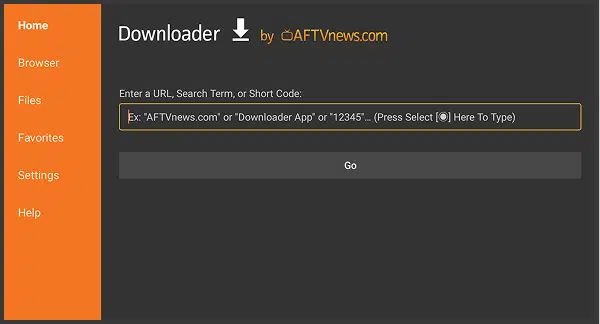 Downloader URL or code screen
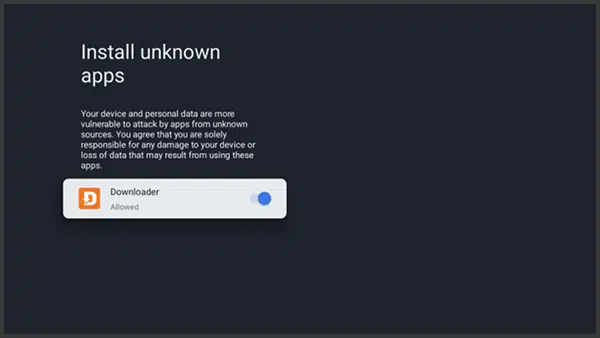
Step 2: Allow Downloader to install apps from unknown sources. In the URL or Code field, enter 7142948, then select Go.
 ElephTV APK installation screen
Step 3: Wait for the APK download to complete, select Install, and then open ElephTV.
Method 2: Install via USB Drive
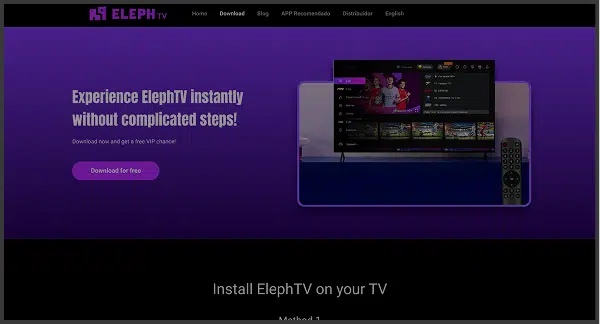 Download the ElephTV APK on your computer
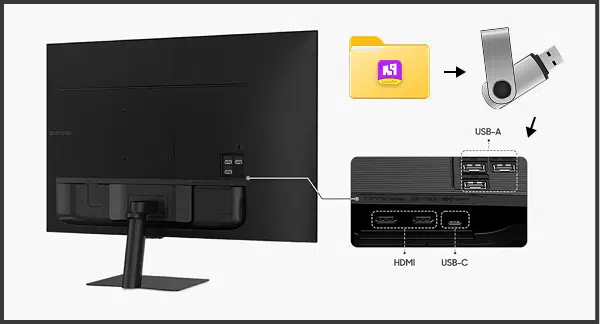
Step 1: On a computer, open the ElephTV website and download the APK. Find the file in the Downloads folder and copy it to a USB drive.
 Connect the USB drive to your TV
Step 2: Insert the USB drive into your TV or TV Box. Open the file manager, select ElephTV.apk, and choose Install.
 ElephTV in the TV apps menu
Step 3: After installation, open ElephTV from your Apps menu and start watching.
How to Download ElephTV on Your Mobile
Method 1: Install Directly
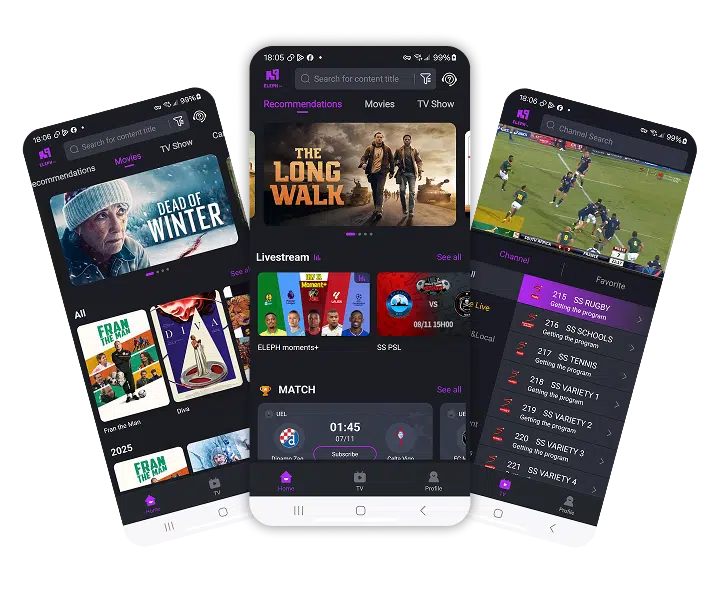 ElephTV mobile application preview
Step 1: Open your browser and tap the button below to download the app directly.
Step 2: When prompted, enable installation from unknown sources in Settings → Security → Install unknown apps.
Step 3: Open the downloaded ElephTV.apk file and tap Install.
Download the latest ElephTV Android application.